Compress Images Online for Free
A free image compressor for JPG, PNG and WebP. Reduce image size with control over quality, then compare before you download. No sign up. 100% private – all compression happens in your browser.
- 100% PrivateImages never leave your device
- Fast & EasyWorks in seconds
- Free ForeverNo sign up required
Select Images
Drag and drop your images here, or click to browse files.
JPG, PNG, WebP • Up to 50 images, 50 MB each
Compression Settings
Usually looks the same at normal viewing size. PNGs keep every pixel at 95% and above.
How to Compress Images
- 1Upload your imagesSelect or drag & drop JPG, PNG or WebP files.
- 2Choose settingsAdjust quality and size (optional).
- 3Compress & downloadGet your optimized images instantly.
- Supports JPG, PNG, WebPCompress common image formats.
- No Upload to ServerAll processing happens in your browser.
- Unlimited & FreeProcess as many images as you need.
Real Results
Our own files, processed with compresshive in Chrome 140. Your results will vary with the file and browser.
Example: a 24-megapixel phone photo
A photo straight from an iPhone, compressed at the default quality, with and without resizing.
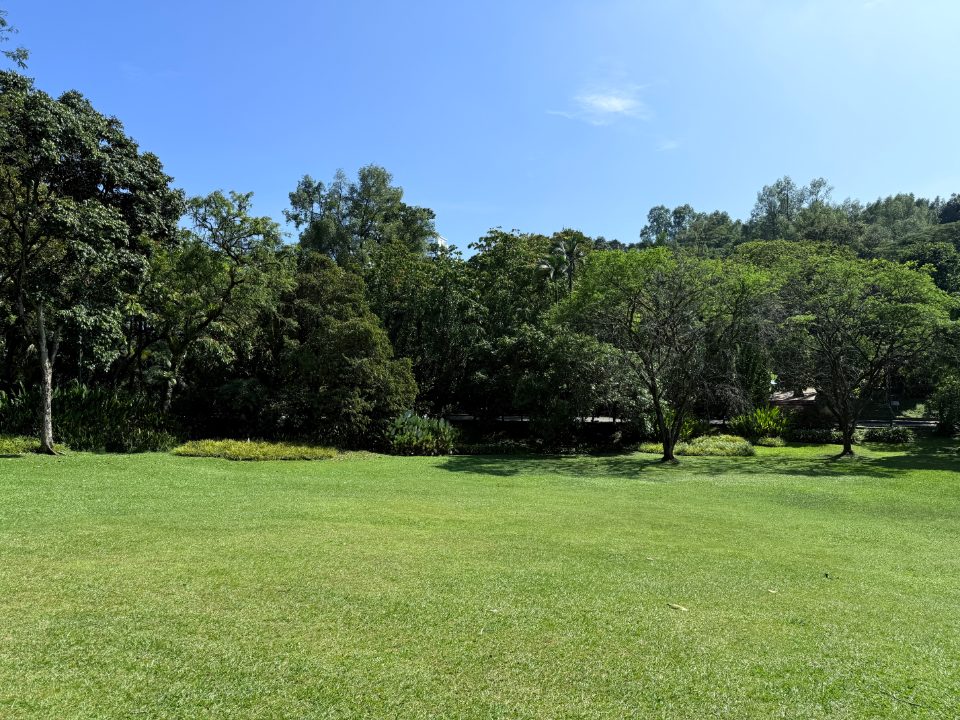
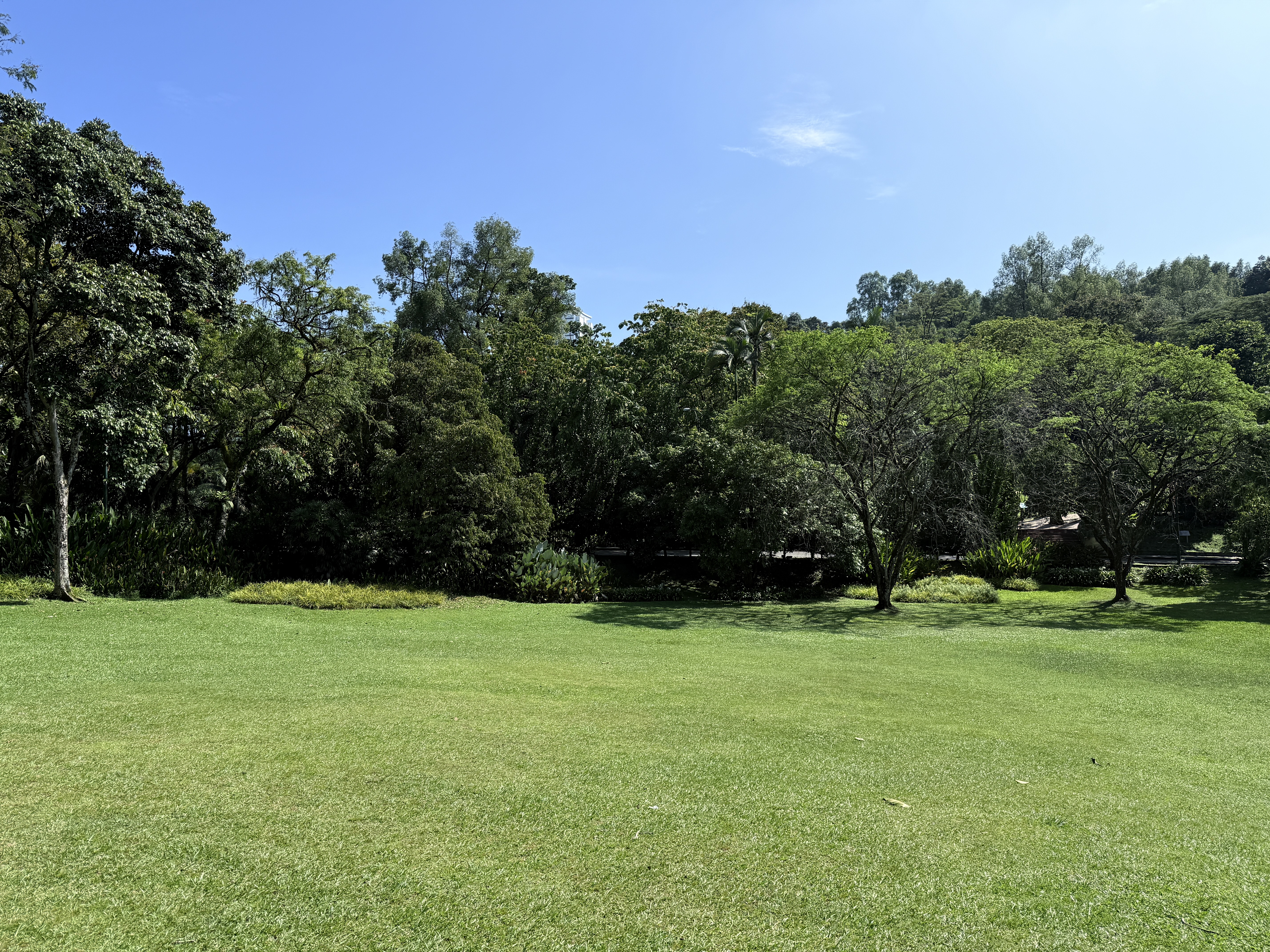
- Quality 70%, original size (default)4.9 MB-46%
- Quality 70%, resized to 1920 px1920 × 1440652 KB-93%
What this shows: Compressing alone saved 46%. Also setting “Resize if larger than” to 1920 px saved 93%, and the photo still fills a full HD screen. Photos that were already compressed will save less.
Compress, Resize or Convert?
Three things decide how big an image file is: its pixel dimensions, its format and its quality setting. Each tool changes one of them, so pick the one that matches your problem.
- Compress (this page) when the image is the right size on screen but the file is too heavy. It re-saves the image at the quality you choose.
- Resize when the image is much larger than it will be shown, such as a 4000-pixel phone photo for a website. Fewer pixels saves the most. Use Resize Image, or set “Resize if larger than” here.
- Convert when the format is wrong for the content: a photo saved as PNG, or a website image that could be WebP. Use Convert to WebP, or turn off “Keep original format” here.
- Compress a PDF when the file is a document, such as scanned pages or a PDF full of photos. Use Compress PDF, which also works in your browser without uploading.
What the quality slider does
- JPG and WebP: lower quality removes more fine detail. 60–80% suits most photos; below 50% you may see blocky areas and blurred texture.
- PNG: 95% and above keeps every pixel (lossless). Lower settings reduce the image to 256 or fewer colors, which can cause banding in gradients.
Results depend on the image. A photo straight from a phone often shrinks a lot, while an image that was already optimized may barely change. If compressing wouldn't make a file smaller and you haven't changed its size or format, you get the original back instead of a bigger copy.
Limits
- Up to 50 images at a time, each up to 50 MB.
- Images up to 100 megapixels. Outputs are capped at 10,000 pixels on the longest side.
- Everything runs in your browser, so very large batches depend on your device's memory. On a phone, smaller batches are faster.
New to image formats? Read JPG vs PNG vs WebP and lossy vs lossless compression.
Frequently Asked Questions
How do I reduce the size of an image?
Upload it above and compress it at 60–80% quality. If the image is much larger than it will be shown, also set "Resize if larger than" (for example 1920 px), which usually saves the most. Photos saved as PNG get much smaller as JPG or WebP.
Are my images uploaded to a server?
No. compresshive compresses images inside your browser, so your files never leave your device.
Will compressing reduce the quality of my images?
It can, depending on the format and the quality you choose. JPG and WebP compression removes detail the eye is least likely to notice, and lower PNG settings reduce the number of colors. At the default 70%, photos straight from a phone or camera are often much smaller with little visible difference, while images that are already optimized may barely shrink. Use the preview to compare before and after, and raise the quality if you see a difference.
How many images can I compress at once?
Up to 50 images at a time, each up to 50 MB. You can download them one by one or all together as a ZIP file.
Which formats are supported?
JPG, PNG and WebP. You can keep each image's format or convert them all to JPG, PNG or WebP.